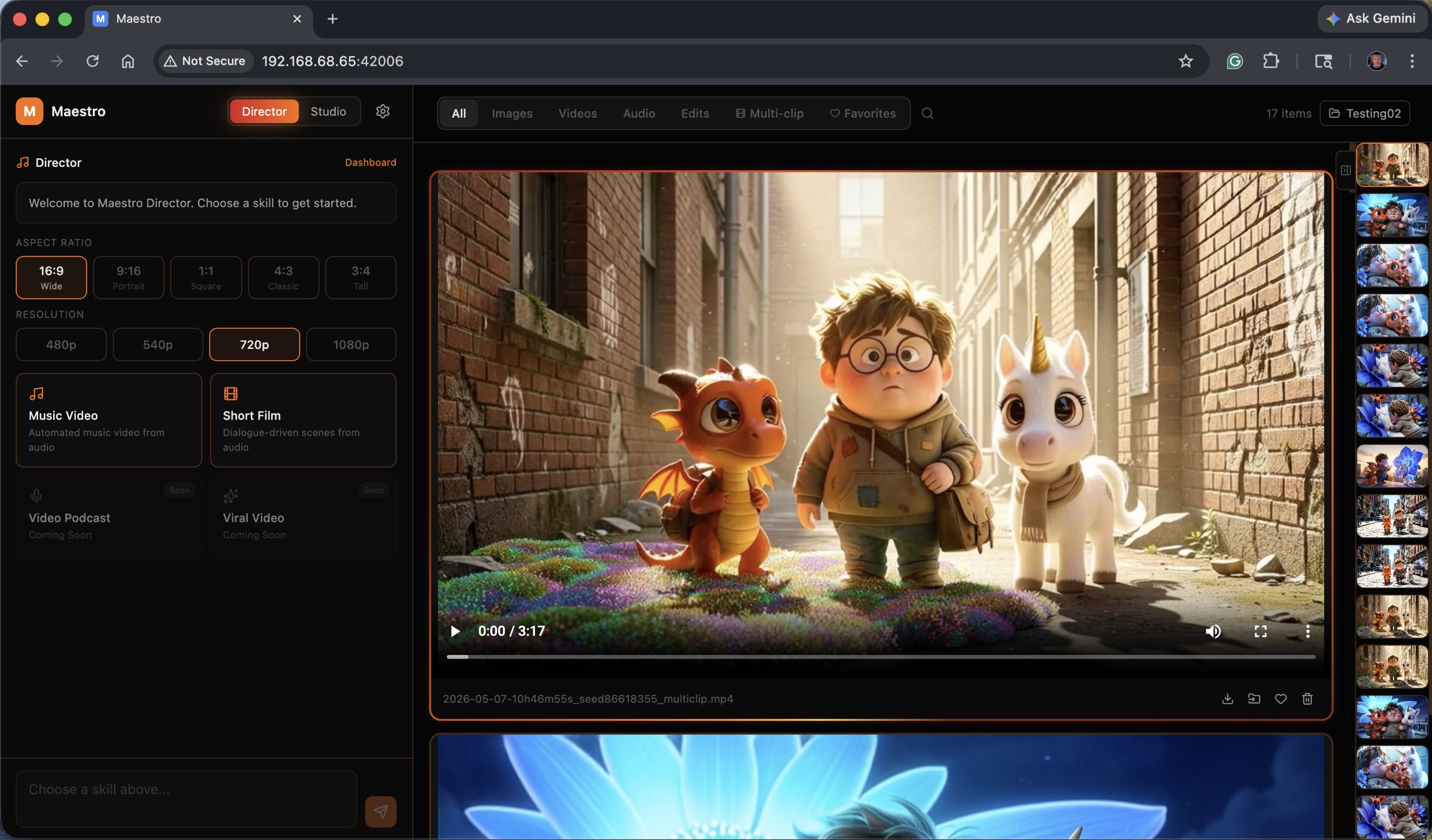
Maestro pairs a modern UI with a powerful generation backend — and a Director mode that plans music videos and short films from a single prompt. Local LLM, your GPU, your files.
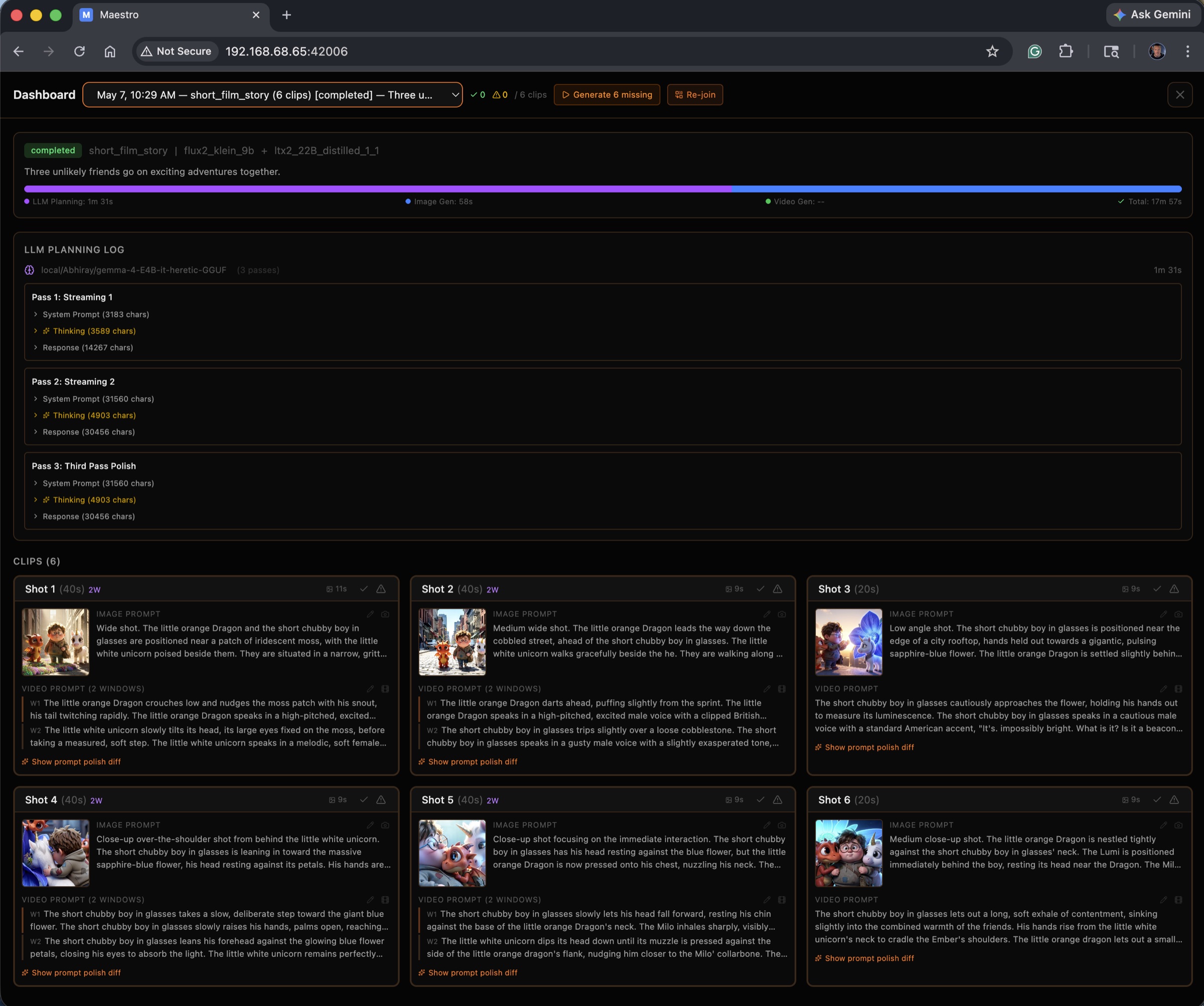
Director mode hands the wheel to a local LLM that writes the screenplay, plans every shot, and runs the full pipeline. Studio mode keeps every model and parameter at your fingertips.
Drop in audio or write a story. A local LLM analyzes BPM, sections, and energy — then writes shots that hit the downbeats with consistent characters across every cut.
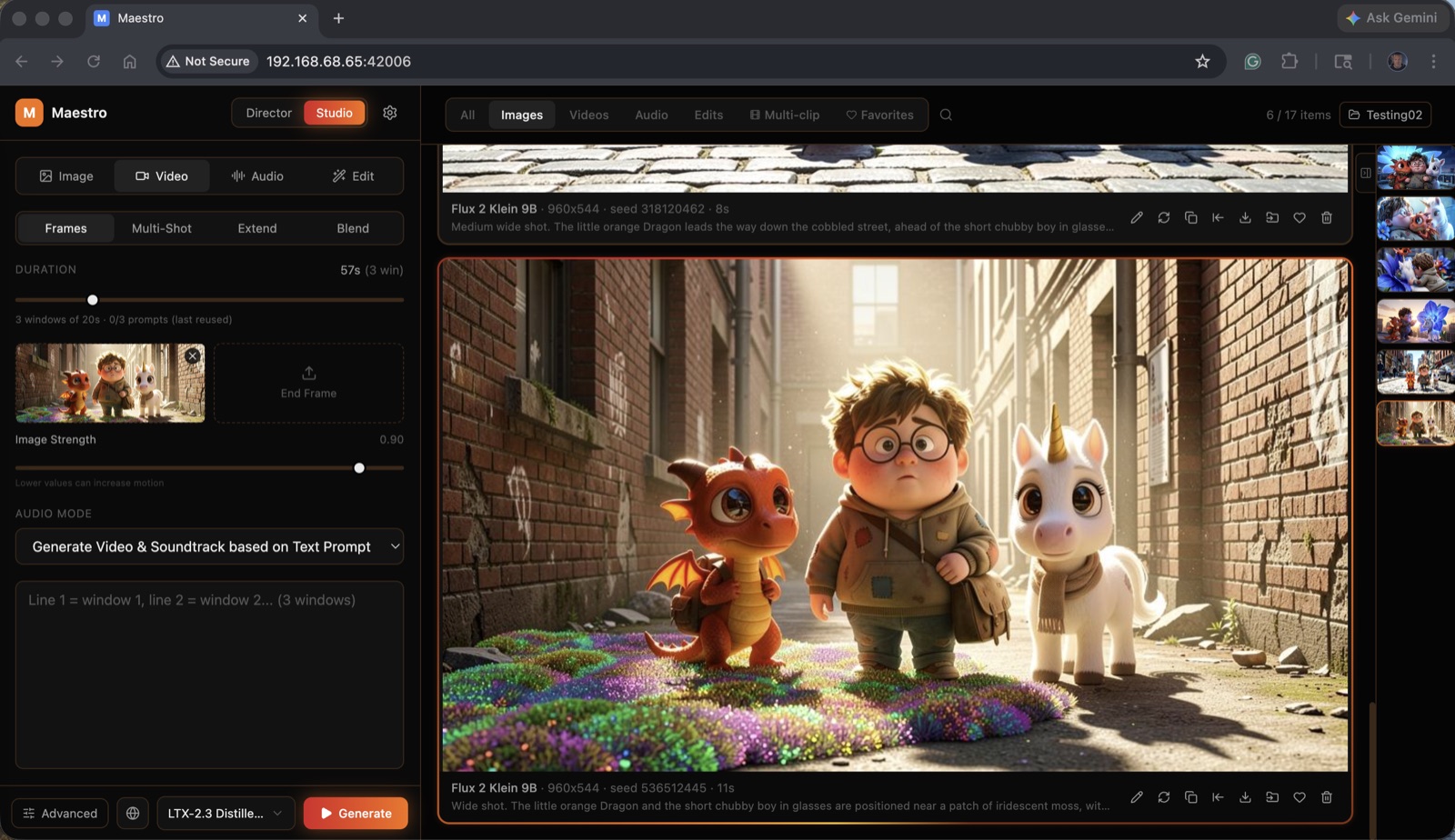
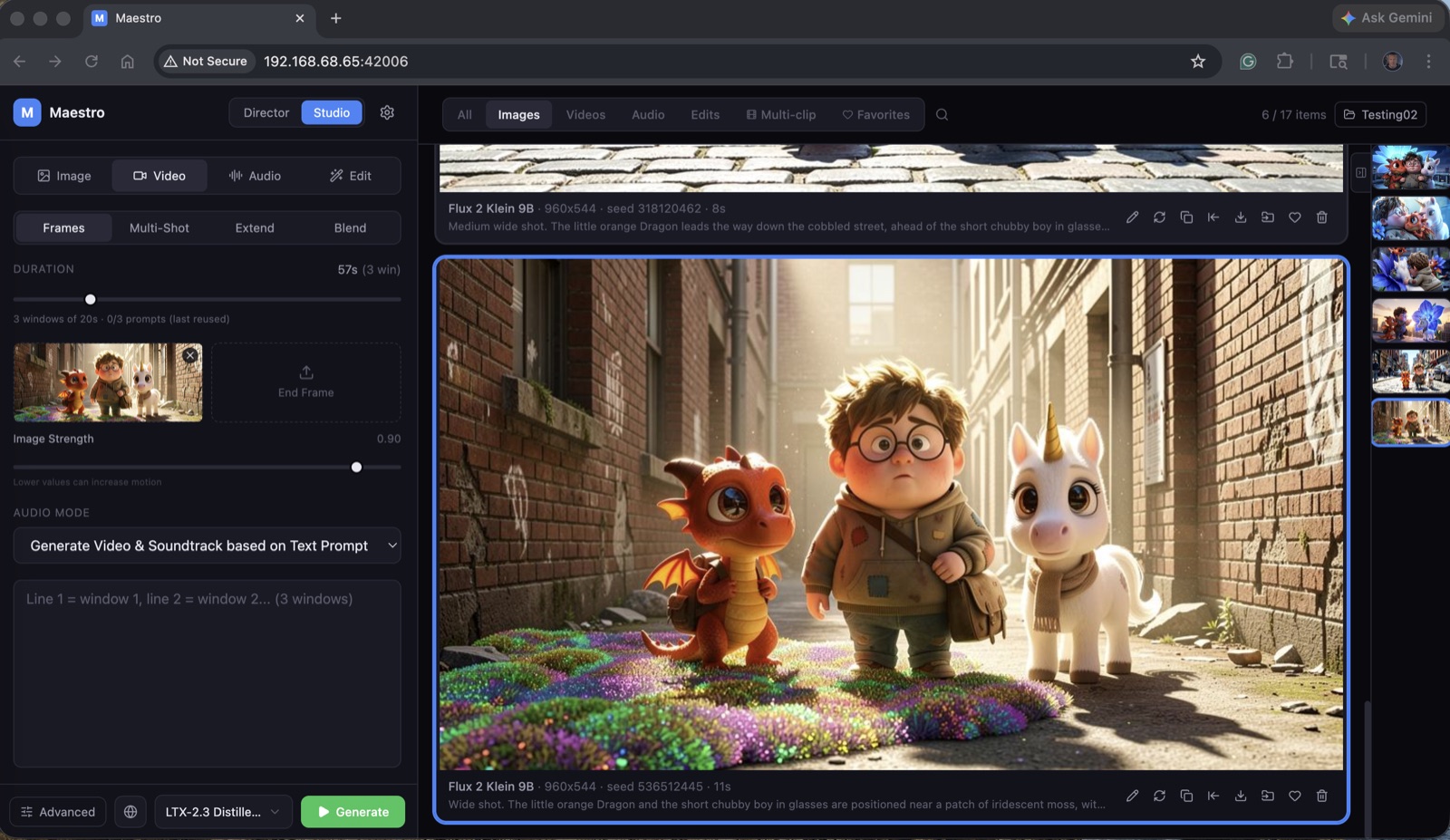
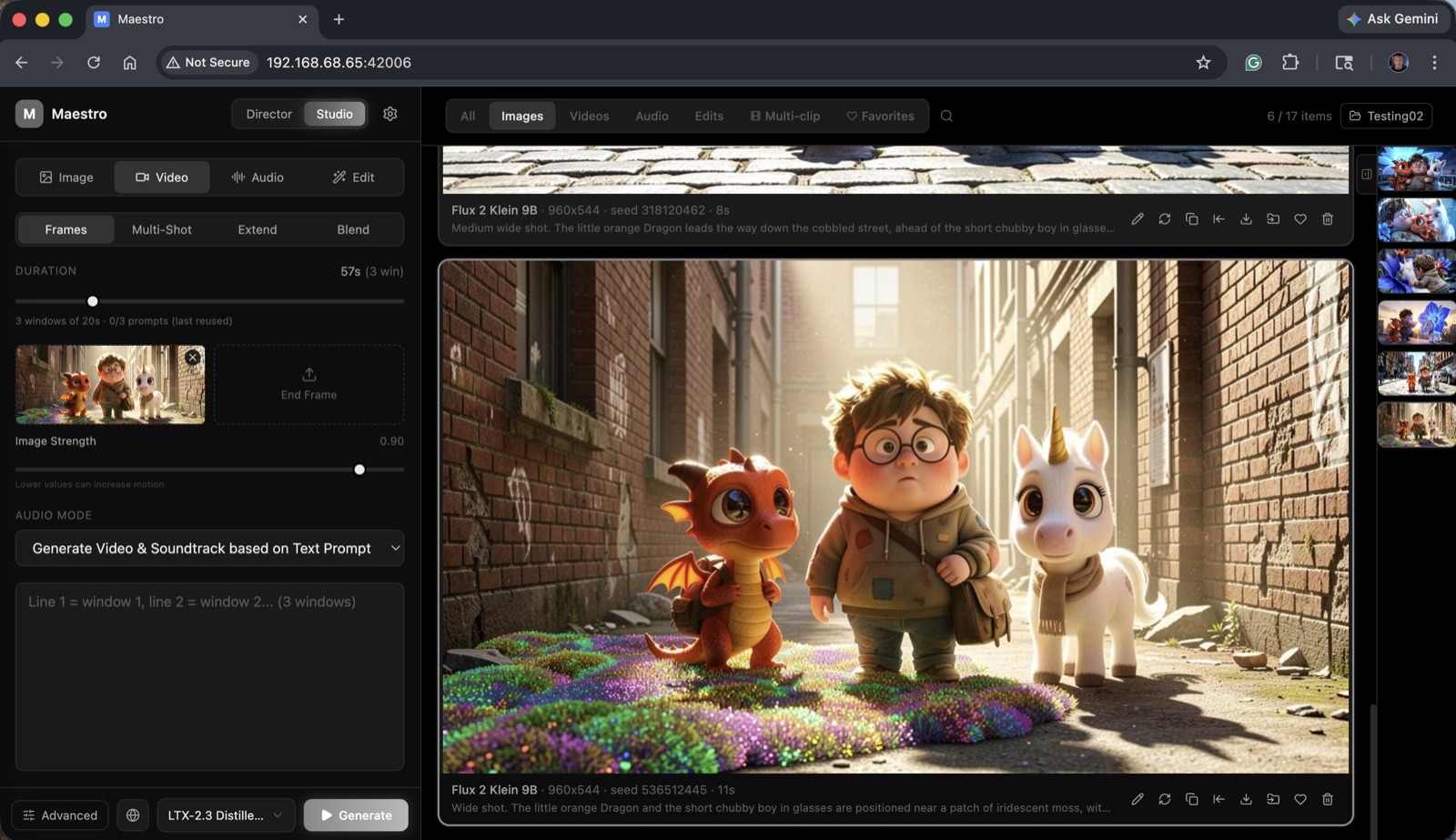
Direct access to every model and every knob. Multi-clip pipelines with shared LoRAs, sliding-window generations, KFI for long-form continuity, and post-process upsampling.
Browse all past Director runs with full state preserved: clip plans, generated images, generated clips, and polish diffs. Re-run any single clip without re-running the whole pipeline.
Detects your GPU, VRAM, and RAM on first launch and picks the right profile, quantization, and VAE tiling. No more "Profile 1 vs 2 vs 4.5" guesswork.
Auto-downloads llama-server and your chosen GGUF model on first use. Auto-binds to GPU, auto-unloads after 60s idle. Defaults to Gemma 4 4B.
Search, filter, and one-click install LoRAs. Update detection refreshes from CivitAI; outdated LoRAs surface a badge automatically.
When a LoRA is installed, an AI reads the CivitAI & HF repos and writes a guide: what it does, prompt examples, recommended weights — auto-applied.
Generate long-form video with per-clip prompts, sliding-window overlapping transitions, and KFI for character continuity across cuts.
When a generation runs out of VRAM, a banner suggests lowering the headroom — one click to apply and resume. Live download status during model setup.
Retake re-rolls a section with a new prompt. Outpaint extends a frame in any direction. Edit Anything modifies, adds, or removes elements via IC-LoRA.
Multiple isolated output directories with a quick switcher. Separate client projects, experiments, or just keep things organized. Pinned per workspace.
Everything runs on your hardware. No cloud accounts, no telemetry, no subscription. Your prompts and outputs never leave your machine.
A built-in CivitAI browser that handles the boring parts — discovery, install, version tracking, and prompt guidance — so you can focus on shots, not setup.
Browse CivitAI directly inside Maestro. Filter by model, type, and popularity, then install in two clicks.
Maestro watches your installed LoRAs and surfaces a badge the moment a newer version ships on CivitAI.
On install, a local LLM reads the LoRA's CivitAI & HF pages and writes a tailored guide — triggers, recommended weights, and prompt examples — auto-applied.
Switch between cinematic warmth, classic charcoal, or pure monochrome — depending on what you're making and the time of day.
Free, open source, and runs entirely on your machine. Windows & Linux with an NVIDIA GPU (6 GB+ VRAM). macOS support is in development.